
One platform. Every location.
Put every screento work.
Design standout content, schedule it with confidence, and keep every player visible—without juggling separate tools.
Drag-and-drop designAndroid + web playbackOffline-ready media
The complete workflow
See every platform featureFrom a blank canvas to a live screen—one connected system.
ProSign brings creation, scheduling, playback, and day-to-day support into a single workspace built for real locations.
Design without limits
Create once. Make it unmistakably yours.
Layer video, images, live information, menu cards, music, QR codes, and animated text—then place every element exactly where it belongs.
Landscape + portraitIndependent media zonesBuilt-in font libraryReusable menu cards
THIS WEEKSomething fresh is on screen.Build, schedule, and publish from one place.
Featured contentReady to publish
Monday
10:00 AM – 2:00 PM
Power where it matters
Everything a screen needs. Nothing disconnected.
The designer, media library, scheduling tools, players, and reporting all share the same source of truth.
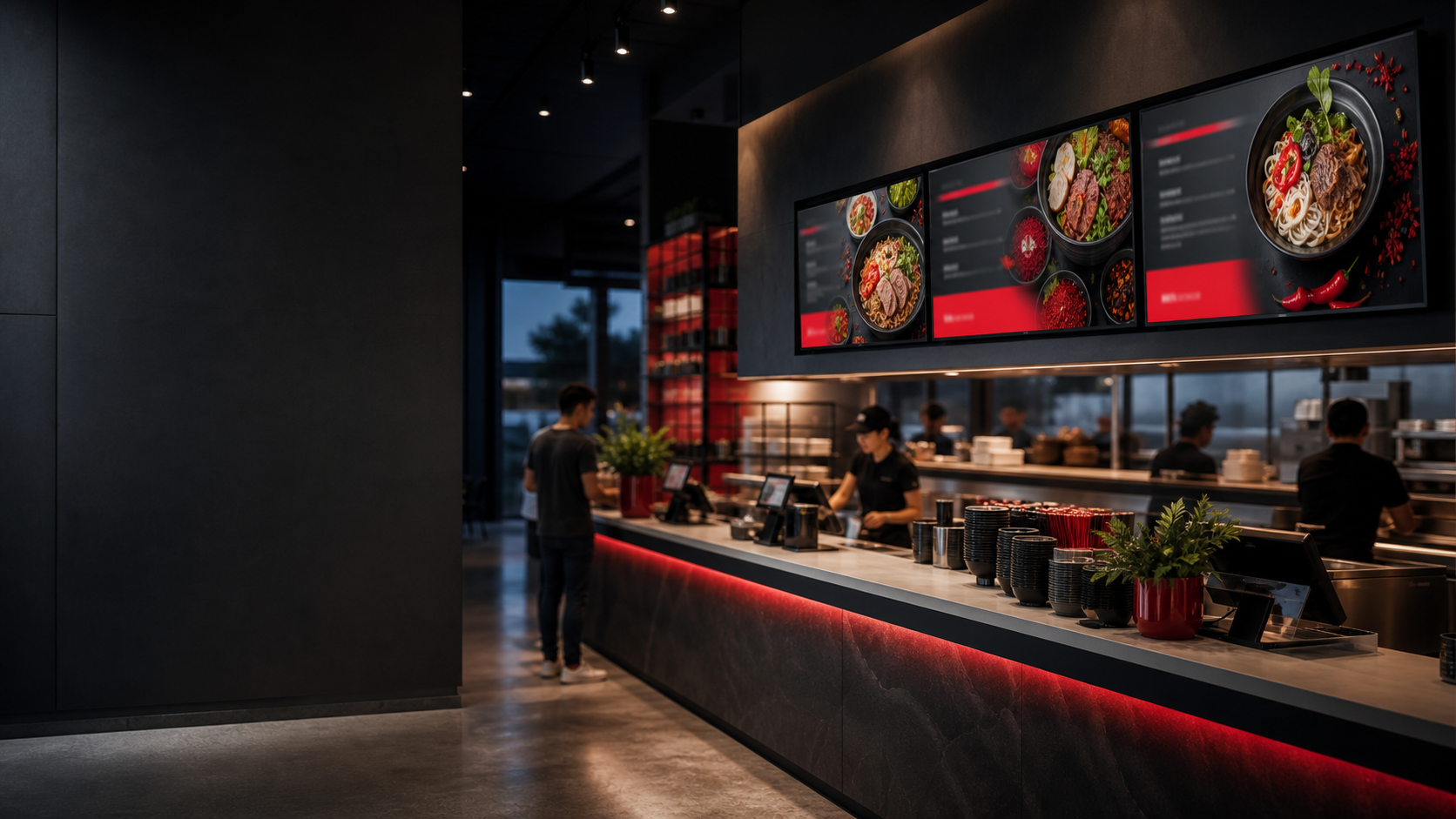
Menu boards that move as fast as your prices.
Import menu data, build reusable cards, add background media, and schedule different dayparts without rebuilding the whole screen.
For restaurantsMedia that stays in its lane.
Independent zones protect one playlist from bleeding into another. A dedicated music snippet keeps audio separate from visual playback.
Scheduling people can actually read.
Build weekly time windows, edit assignments, set priority, and leave a branded default screen ready whenever no schedule is active.
04
A network view built for action.
Online status, screenshots, player details, remote refresh, reboot, and cache tools keep support from becoming a location-by-location guessing game.
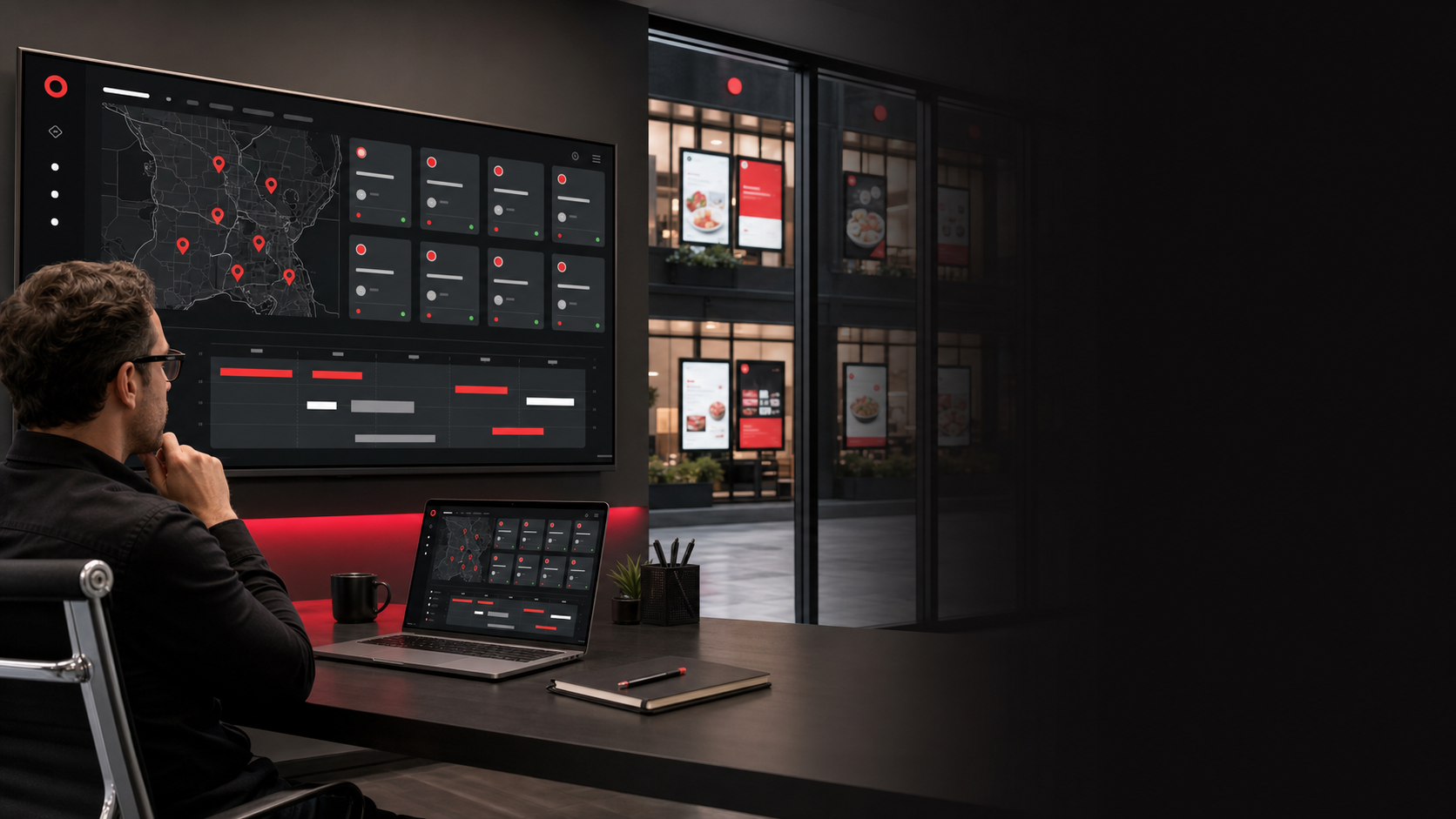
One view across the network
See the screen. See the player. See what needs attention.
ProSign connects each display record to the things operators need most: assignment, schedule, last contact, network details, screenshots, and supported remote actions.
- 01 Secure eight-character device claims
- 02 Online and offline visibility
- 03 Remote screenshots and commands
- 04 Offline content on Android players
A simpler path to live
Four steps from idea to every location.
Start small, prove the workflow, and expand without changing platforms.
Create
Start from a template or build your own screen and reusable cards.
Organize
Upload media, create playlists, and keep tenant libraries separated.
Schedule
Assign the right screen to a player now or build a weekly plan.
Operate
Watch status, confirm playback, and support devices from one dashboard.
Clear, scalable pricing
Start with the screens you have. Grow into the network you want.
Every plan includes the core ProSign workflow. Higher tiers add capacity, longer reporting history, and more advanced administration.
Starter
A focused start for one location or a small screen network.
$9.99/ month
2 screens3 users2 GB media storage30-day proof-of-play history
- Screen and Menu/Card designers
- Playlists and weekly scheduling
- Secure player pairing
- Offline-ready playback
- Email support
Professional
More room for growing restaurants, retailers, and teams.
$39.99/ month
10 screens10 users10 GB media storage90-day proof-of-play history
- Everything in Starter
- Screen groups
- Remote screenshots and health
- Menu importer and templates
- Priority support
Business
Centralized operations for multi-location businesses.
$99.99/ month
50 screens30 users50 GB media storage180-day proof-of-play history
- Everything in Professional
- API access
- Multi-location administration
- Advanced fleet controls
- Expanded reporting
Good questions
The practical details, up front.
What first-time buyers and growing operators usually want to know.
01Do I need special screens?+
No. ProSign is designed to work with standard commercial displays or TVs connected to a compatible Android player. Your content is managed from a browser.
02What happens if a location loses internet?+
The Android player keeps downloaded content in local storage so approved media can continue playing offline. It reconnects and checks for updates when service returns.
03Can I build restaurant menu boards?+
Yes. The dedicated Menu / Card Designer supports price boards, multiple columns, background media, reusable decks, imported menu content, and editable starting templates.
04Can one account manage several locations?+
Yes. Professional and higher plans support screen groups, while Business and Enterprise add more capacity and centralized controls for larger networks.
Bring your screens to life
Ready to make every screen easier to manage?
Tell us how many locations and displays you operate. We’ll help you choose the right starting point.