
Secure code pairing
Connect a player to the right account with a short eight-character claim code.
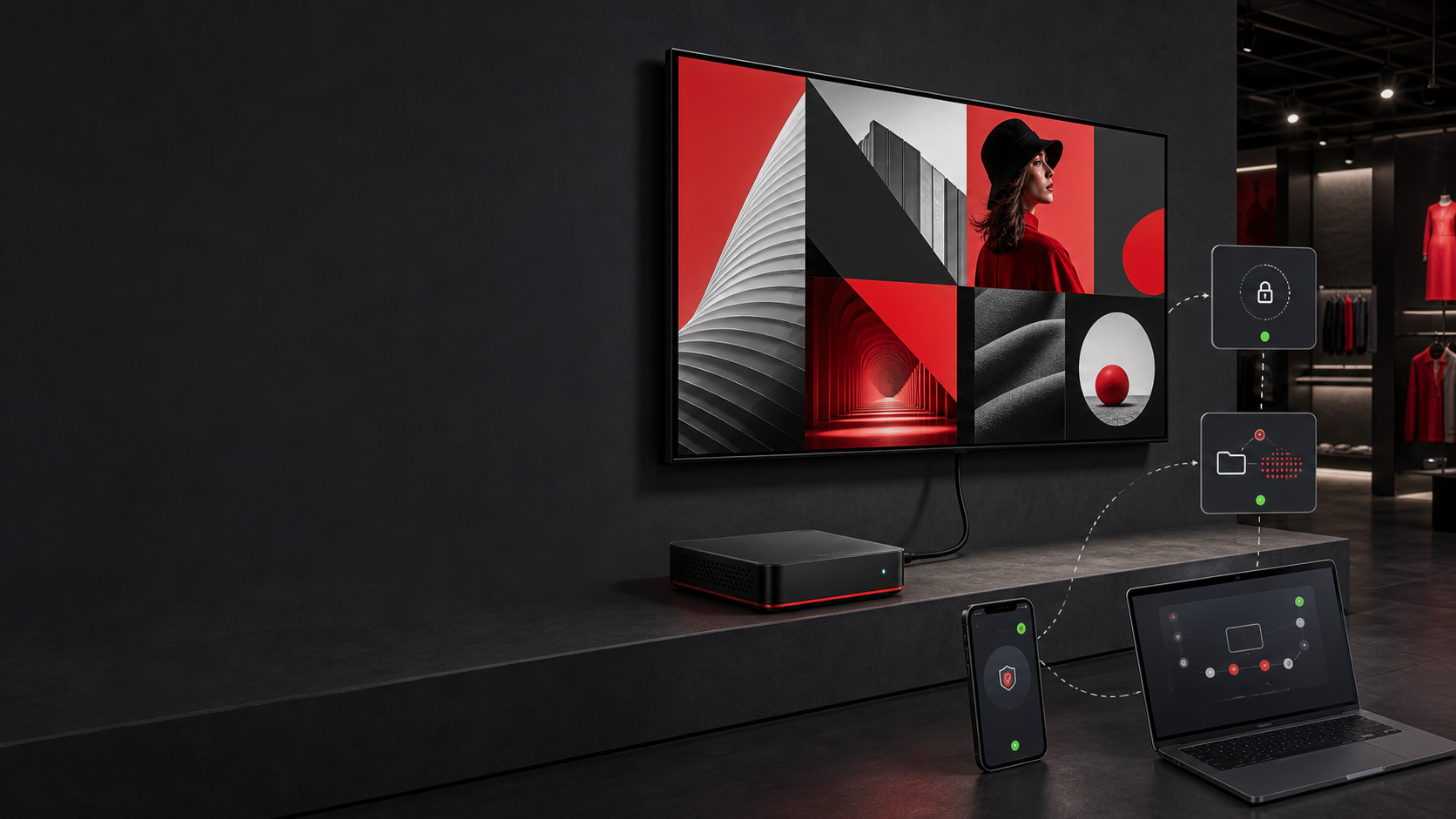
Securely pair a display, store content for offline use, recover from stalled playback, and give your support team a useful remote view.
A signage player has one job: keep the right experience on screen. ProSign adds the recovery and support tools needed to make that practical.
Connect a player to the right account with a short eight-character claim code.
Keep approved media on the device so playback can continue through a network interruption.
Detect stalled playback and refresh the display experience so content resumes automatically.
Let each video finish before the player advances or repeats the playlist.
Report helpful system, network, and storage details back to the display record.
Use screenshots, refresh, reboot, and cache controls when supported by the device.
Configure supported Android devices to launch the ProSign player when the unit starts.
Use the embedded Mozilla-based engine where older hardware needs broader web compatibility.
The player asks the platform for a time-limited code. An authorized user enters that code on the Displays page, names the device, and assigns its first screen.
Downloaded media stays in device storage for offline playback. When the connection returns, the player can check assignments and update its local content.
We’ll help you choose a sensible test screen, prepare content, and verify playback before expanding.