
Restaurants & cafés
Update prices, promote high-margin items, daypart menus, and keep every board visually consistent.
- Menu importer
- 1–4 column layouts
- Scheduled dayparts
- QR ordering links
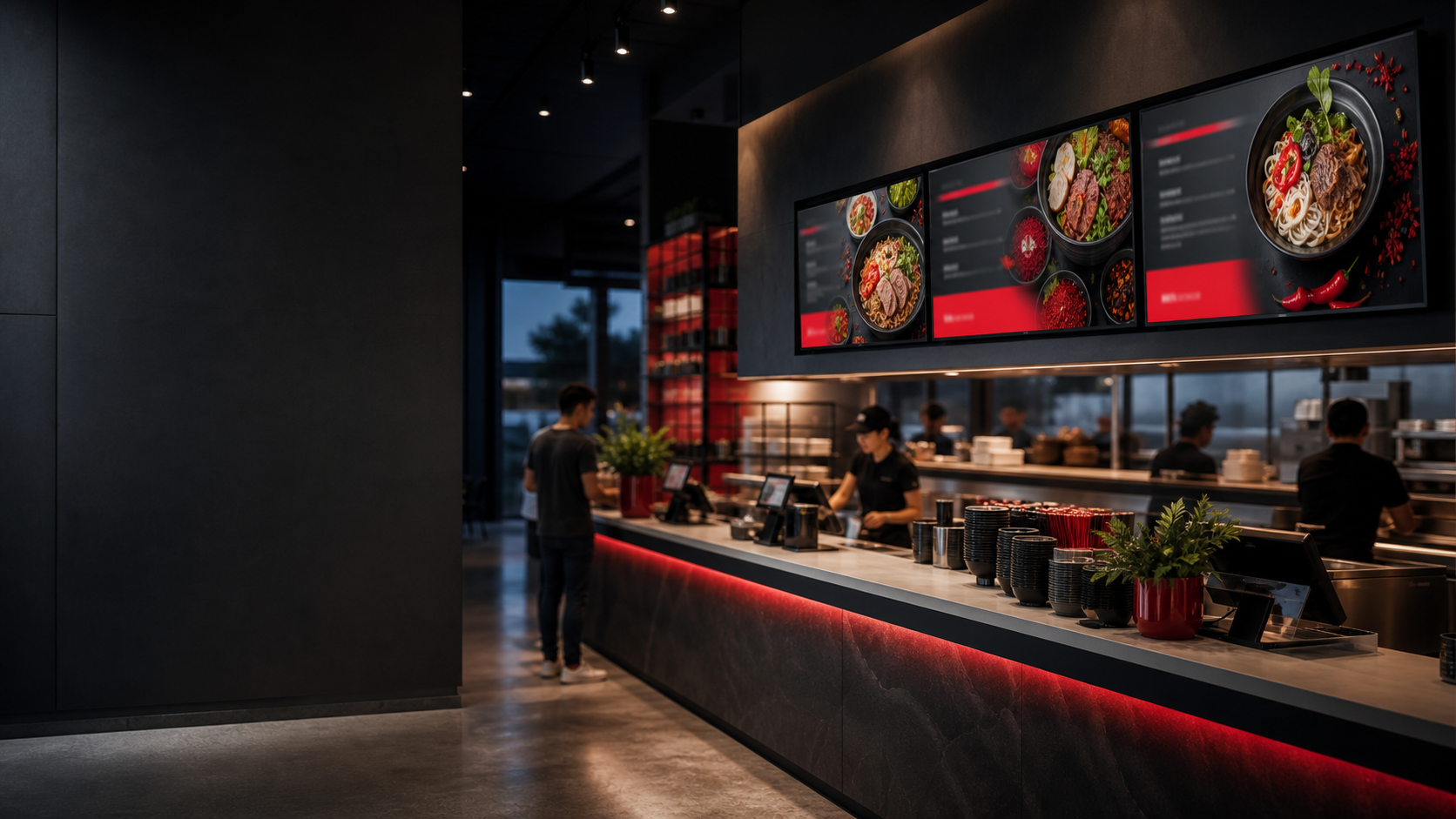
Menus, promotions, wayfinding, announcements, and internal communications all run on the same connected platform.
Find your fitEach solution starts with the same reliable foundation, then uses the ProSign tools that matter most in that environment.
Update prices, promote high-margin items, daypart menus, and keep every board visually consistent.
Move from seasonal campaigns to same-day promotions without printing and shipping new signs.
Guide guests, welcome groups, promote amenities, and update events from one central workspace.
Share announcements, emergency messages, calendars, weather, and location-specific information.
Operate separate customer accounts with centralized super-admin visibility and shared brand media.
Keep internal communication moving across break rooms, lobbies, production areas, and offices.
The menu importer helps turn structured content into editable cards. Those cards can be placed into a complete screen, paired with background media, and scheduled for breakfast, lunch, dinner, or a limited-time promotion.
A practical deployment path lowers risk and gives teams a repeatable operating model.
Choose one high-value display and prove the full design-to-playback workflow.
Turn the best design, schedule, and player settings into the standard.
Pair more players, organize screen groups, and reuse approved content.
Monitor health, confirm playback, and support every location centrally.
We’ll focus the demo on your content, your players, and the decisions your team makes every week.